How to Choose a TV Size for Your Room
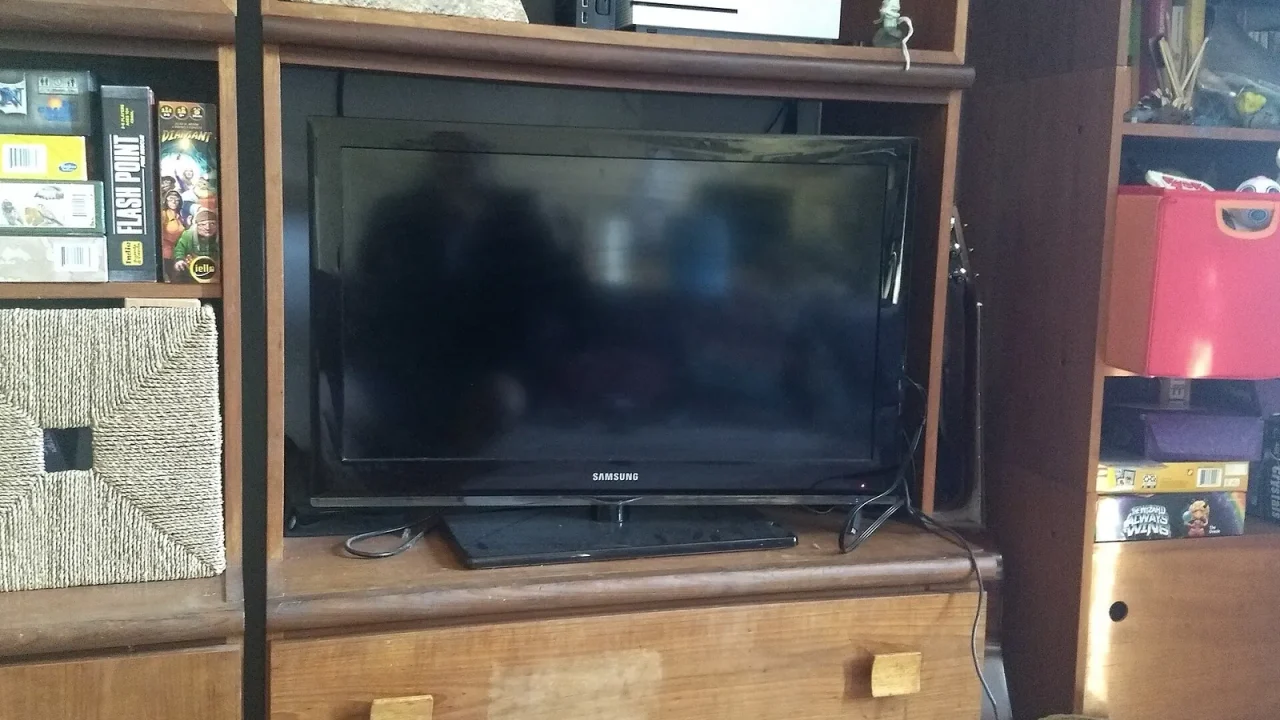
The best way to choose a TV size is to start with your seating distance, not the number on the box. As a rule of thumb, sit about one and a half to two and a half times the screen’s diagonal measurement away, then check that the set physically fits your space.
Step One: Measure Your Viewing Distance
Measure from where your eyes sit to where the screen will be. Do this in inches or centimeters, using the seat you actually use most.
Now divide that distance by the multiplier range. For example, if you sit 100 inches away, dividing by 2.5 gives 40 inches and dividing by 1.5 gives about 67 inches. That range, roughly 40 to 67 inches, is a sensible zone to consider. It is a guide, not a rule carved in stone.
Why the Range Is So Wide
Personal taste varies. Some people love an immersive picture filling their vision. Others find that tiring. Resolution matters as well: a sharper screen lets you sit closer without seeing a coarse image, which we discuss in our comparison of 4K and 1080p.
Step Two: Look at the Room, Not Just the Wall
Distance is one input. The space around the screen matters too.
- Wall or furniture width: the TV must fit with some breathing room.
- Stand depth: some stands are shallow and cannot support a wide set safely.
- Window position: a large screen opposite a bright window invites glare.
- Seating spread: wide sofas mean side seats see the picture at an angle.
- Other equipment: speakers or a soundbar need space under or beside the screen.
Remember that the diagonal is not the width. A screen’s width is smaller than its diagonal, and the frame and feet add more. Always check the actual dimensions listed by the maker.
Rough Size Guide by Distance
This table turns the rule of thumb into approximate comfortable ranges. Use it as a starting point and adjust for your own eyes and screen resolution.
| Seating distance | Approximate comfortable diagonal |
|---|---|
| About 5 feet (1.5 m) | Around 30 to 50 inches |
| About 7 feet (2.1 m) | Around 42 to 70 inches |
| About 9 feet (2.7 m) | Around 54 to 90 inches |
| About 12 feet (3.7 m) | Around 72 inches and up |
Available sizes vary by model, so treat these as ranges rather than exact picks.
Step Three: Think About What You Watch
Film lovers who like a cinematic feel often lean toward the larger end of their range, especially for widescreen movies that leave black bars above and below. Those bars make the picture look smaller than the screen. Our explainer on aspect ratio shows why.
If the screen is used for news, games, family shows and background viewing, a middle-of-the-range size is often easier to live with.
A Practical Checklist
- Measure your seating distance from eye to screen.
- Calculate your range using the multipliers above.
- Measure the available wall or stand space, width and height.
- Cut a cardboard or paper template to the screen’s real dimensions and tape it to the wall.
- Sit in each seat and check the view for a day or two.
- Check mounting options, weight limits and ventilation space.
The paper template trick is cheap and surprisingly revealing. It shows you the actual footprint in your room before you commit.
Signs You Picked Wrong
A screen that is too large makes you scan the picture, shows visible pixel structure and can cause eye fatigue. One that is too small leaves you leaning forward and missing detail. If you are sensitive to either, favor the middle of your range, and read our notes on comfortable viewing posture, lighting and distance.
Common Mistakes to Avoid
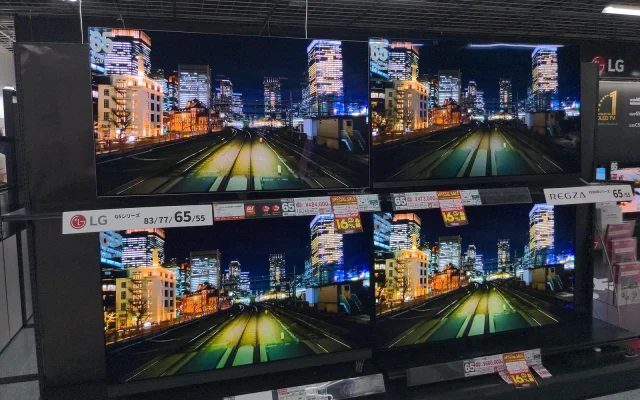
The most frequent error is buying for the store, where screens are viewed from a few feet away under bright lights and look modest. At home, the same screen can feel enormous in a small room. Another is forgetting the doorway and stairs: check that the box will actually get inside.
People also forget the seat that matters least to them. If several people watch together, think about the viewer on the far end of the sofa and the one sitting on the floor. A size that suits the main seat but cuts off the picture for others can spoil movie night for the whole group.
This is general information only. Follow the manufacturer’s instructions for stands and wall mounts, check weight ratings, and consult a qualified professional for mounting or electrical work.
Frequently Asked Questions
How do I work out the best TV size for my seating distance?
Measure the distance from your eyes to the screen, then use a rule of thumb such as sitting roughly one and a half to two and a half times the screen diagonal away. Adjust to taste.
Can a TV be too big for a room?
Yes. If you must turn your head to follow the action or can see individual pixels, the screen is probably too large for the distance.
Does resolution affect the size I can sit close to?
Yes. Higher resolution lets you sit closer before the picture looks coarse, though the exact distance depends on the screen and your eyesight.
Should I measure the stand or wall space too?
Always. Check width, height and depth of the screen including the frame and stand, and leave room for ventilation and cables.