4K vs 1080p: Does Resolution Matter for Movies?
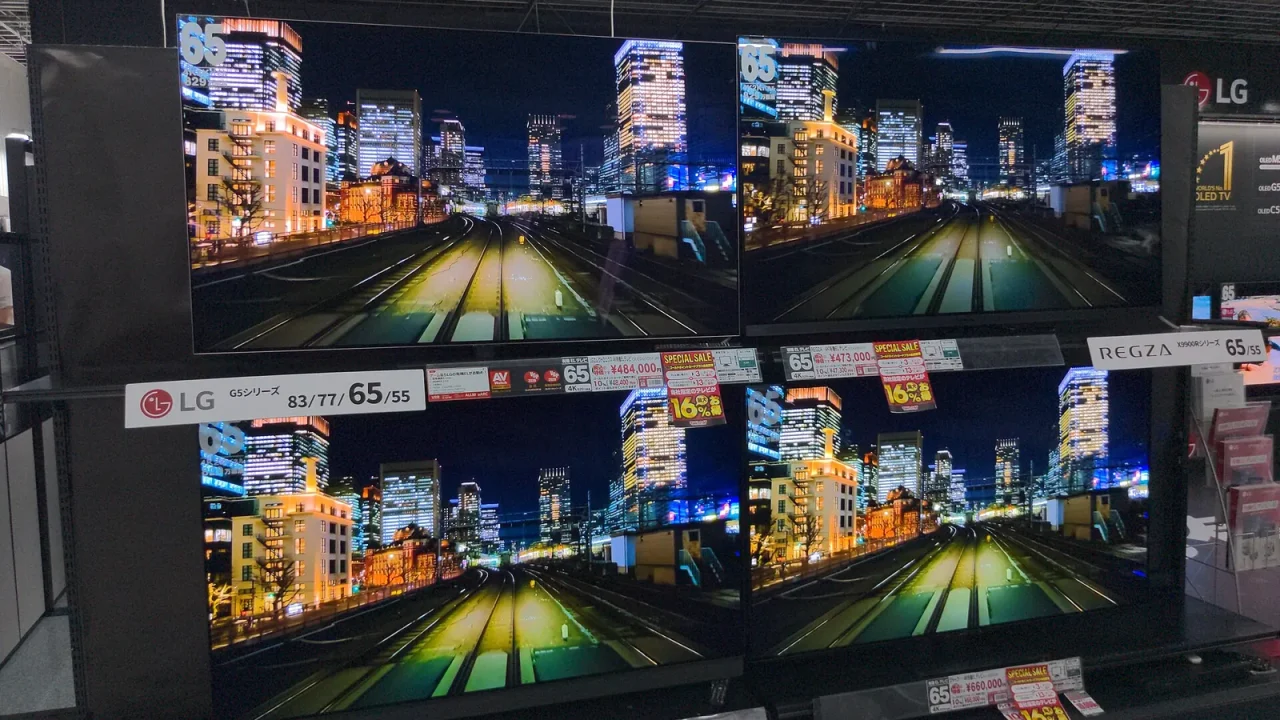
Resolution matters for movies, but only up to a point. 4K has four times as many pixels as 1080p, yet whether you can see the gain depends on your screen size, how far you sit and how good the source video is.
What the Numbers Actually Mean
1080p describes a picture 1,920 pixels wide and 1,080 tall. 4K, often called Ultra HD, is 3,840 by 2,160. That is exactly double in each direction, so four times the total pixels.
More pixels let a screen draw finer detail: individual strands of hair, fabric texture, distant signs, film grain. Whether your eyes can pick that detail out is a different question, and the answer is about geometry.
Why Distance and Screen Size Decide Everything
Your eyes can only resolve so much detail. Past a certain distance, two neighboring pixels blur into one, so a denser screen shows you nothing extra.
A rule of thumb: the larger the screen and the closer you sit, the more 4K helps. A modest TV across a big room will look nearly identical in either format. A large screen viewed from a sofa a few steps away will usually show a clear difference in sharpness.
If you are still deciding on a set, our guide to choosing a TV size for your room covers the distance question in more detail.
A Quick Comparison
| Situation | Is 4K likely to be visible? |
|---|---|
| Small screen, far seating | Rarely |
| Mid-size screen, average living-room distance | Sometimes, on good content |
| Large screen, close seating | Often |
| Projector with a big image | Often, if the projector is truly 4K |
Treat that table as a guide, not a law. Eyesight, room lighting and the film itself all play a part.
The Source Matters as Much as the Screen
A 4K television can only show what it is given. If a movie was captured or finished at a lower resolution, or is heavily compressed, the extra pixels on your panel are filled in by scaling rather than by real detail.
Scaling is not a flaw. Modern TVs are good at it, and a nicely scaled 1080p movie can look excellent. But it is not the same as a clean native 4K master.
Compression is the other piece. Video sent over the internet is squeezed to fit your connection. A compressed 4K stream can look softer in busy, dark or fast scenes than a well-fed 1080p one. If that sounds familiar, our explainer on resolution, bitrate and buffering goes deeper.
What Often Matters More Than Resolution
Plenty of viewers upgrade for pixels and are happiest about something else. Features that often change the picture more than raw resolution include:
- Contrast: how deep the blacks look beside bright highlights.
- Color: how natural and rich the tones appear.
- HDR support: a wider range between dark and bright, covered in our HDR guide.
- Motion handling: how smoothly camera pans are shown.
- Room lighting: glare and reflections can wipe out any spec advantage.
Specs vary by model, so a 1080p screen with excellent contrast can beat a mediocre 4K one in a dark room.
A Simple Checklist Before You Decide
- Measure your seating distance and note the screen size you can fit.
- Think about what you really watch: new releases, older films, broadcast, or mostly streaming.
- Check that your sources, such as players and apps, can output 4K at all.
- Look at a demo in a store or at a friend’s home using content you know well.
- Weigh resolution against contrast, HDR and motion features rather than treating it as the only number.
So Which Should You Choose?
If you are buying new today, 4K is simply common, and sets at many sizes offer it. Choosing it is rarely a mistake, especially for larger screens. But if you already own a good 1080p set, you do not need to feel behind. A well-set-up 1080p picture is still a very enjoyable way to watch a film.
Spend your effort where it counts: sit at a sensible distance, control the room light and set the picture mode properly.
Looking Ahead Without Overspending
It is tempting to chase the biggest number, but think about how long you keep a screen and how your habits might change. If you plan to sit closer, buy a bigger display or play higher-quality discs later, 4K gives you room to grow. If your viewing is casual and your room is small, you may never use that headroom.
One helpful test is to ask yourself what bothers you about your current picture. If it is softness on large images, resolution may help. If it is washed-out shadows or dull color, look at contrast and HDR first. Naming the actual problem keeps you from paying for improvements you will not notice.
This is general information only. Specifications and performance vary by model, so check the manufacturer’s instructions and product details before buying or adjusting equipment.
Frequently Asked Questions
Is 4K noticeably better than 1080p for movies?
It can be, especially on larger screens viewed from a moderate distance. On a small screen viewed from far away, many people cannot tell the difference.
Do I need a 4K TV to watch 1080p content?
No. A 4K TV scales 1080p video up to fit its panel, and well-made sets do this cleanly. Your older discs and files will still play.
Does 4K always mean a better picture?
No. Contrast, brightness, color handling and how much the video is compressed all affect what you see, sometimes more than pixel count does.
What matters more than resolution?
Contrast, color accuracy, HDR support, a sensible picture mode and a good-quality source usually make a bigger visible difference than pixels alone.