How to Improve Your TV Picture Without Buying Anything
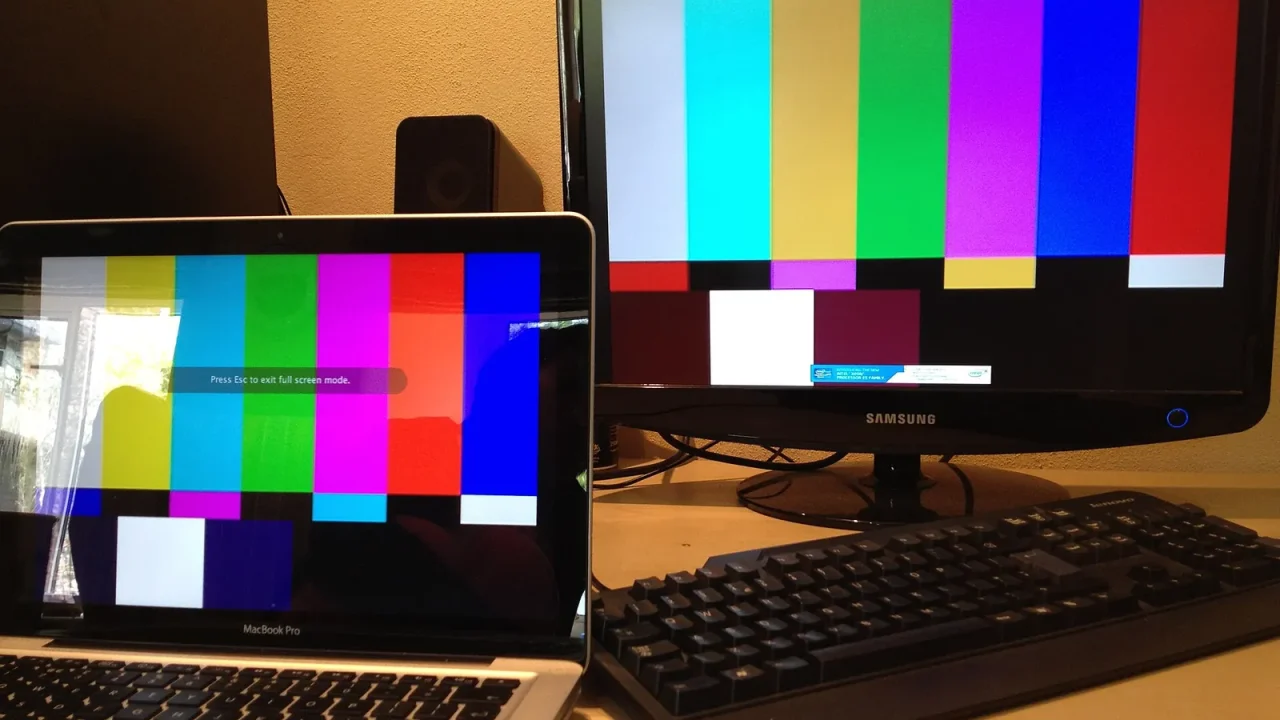
You can improve your TV picture for free by choosing a natural picture mode, lowering excess brightness, switching off unneeded processing, controlling room light and making sure your sources send the best signal they can. Most televisions leave the factory set to look dazzling in a store, not good in your living room.
Start With the Picture Mode
Open the picture settings and look for a list of modes. Names differ between makers, but you will often see options for vivid, standard, sports, game and something film-related.
For movies and drama, choose the cinema, movie or filmmaker style option. These generally aim for a more natural look, with warmer whites and less aggressive color. Give your eyes a few minutes to adjust, because the picture may initially look dull compared with the vivid setting.
Adjust the Basics
After selecting a mode, tweak a handful of controls. Make one change at a time and watch a familiar scene.
Brightness and Backlight
On many sets, the backlight or similar control sets overall light output, while a separate brightness control affects the darkest areas. Lower the light output in a dim room for comfort and better blacks. Raise it for a sunny day.
Contrast, Color and Sharpness
- Contrast: raise until bright areas are bright but still show detail, such as clouds or white shirts.
- Color: aim for natural skin tones, not orange or pale.
- Sharpness: keep it low. High values add artificial edges and halos.
- Color temperature: a warm setting usually looks closer to what filmmakers intended.
Turn Off Extra Processing
Many TVs apply effects to every frame. Some are useful, while others make film look odd. Try switching off noise reduction, dynamic contrast and similar enhancers, then judge for yourself. The big one is frame interpolation, which we cover in our piece on motion smoothing.
Remember that menu names vary by model. If you cannot find an option, check the manual or the maker’s support pages.
Fix the Room, Not Just the Screen
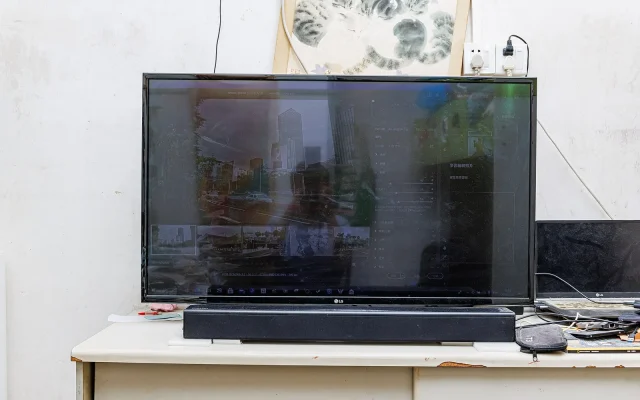
Light in the room has a huge impact. Glare from windows and reflections from lamps wash out contrast and can hide dark details.
- Close curtains or blinds during movie time.
- Move lamps so they do not reflect on the screen.
- Use soft, indirect lighting behind or beside the TV rather than in front of it.
- Tilt or shift the TV slightly if a window reflects in it.
- Keep the screen clean using a soft dry cloth and the maker’s cleaning advice.
Our guide to a comfortable viewing setup has more on lighting and seating.
Check Your Sources and Connections
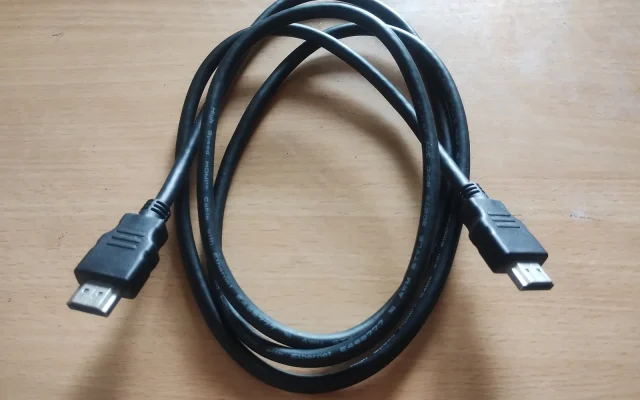
A great screen cannot fix a limited signal. Confirm that your player or streaming device is set to output the highest resolution your TV supports, and use the right input and cable for it. For advanced features, some inputs may be labeled for special modes. If HDR content looks wrong, see our explainer HDR explained for everyday viewers.
On the streaming side, a weak connection can lower quality automatically. That is common on slow connections.
A Quick Free Checklist
| Step | What to do |
|---|---|
| 1 | Select a film-style picture mode |
| 2 | Set backlight for your room’s light level |
| 3 | Lower sharpness and extra processing |
| 4 | Choose a warm color temperature |
| 5 | Control glare and reflections |
| 6 | Verify source and input settings |
Note your changes in case you want to return to them. Most TVs also have a reset option if you go too far.
Keep Notes and Revisit
Your eyes adapt, so a change that looks wrong at first may look right a week later. Write down the original value of each setting before you change it, make small moves, and give each new setup an evening or two before judging.
It is also worth revisiting settings when the seasons change. A picture that looks perfect on a dark winter night may need a small brightness boost in a sunny summer afternoon. A couple of saved modes, one for daytime and one for night, can make this effortless.
Finally, trust your eyes over any chart. If a setting makes a favorite film look natural and comfortable in your own room, it is right for you, even if it differs from someone else’s advice.
This is general information only. Menu names and options vary by model, so follow the manufacturer’s instructions, and consult a qualified professional for repairs, electrical issues or if you have concerns about eye comfort.
Frequently Asked Questions
What is the best picture mode for movies?
A mode named something like cinema, movie or filmmaker is usually the most natural choice. Names vary by model, so check your menu.
Why does my TV picture look too bright or blue?
Many sets default to a vivid mode with a cool color tone to stand out in stores. Switching to a film-style mode and a warmer tone often fixes it.
Do I need a calibration disc or professional?
Not to see a big improvement. Basic mode and lighting changes are free, and professional calibration is optional if you want fine precision.
Can my room affect picture quality?
Yes. Glare, reflections and bright walls can reduce contrast and color, so controlling light is one of the most effective free fixes.